
Meeting minutes that stay on your device
Record a meeting and minumeeting writes the transcript while you talk. When you stop, you get a summary, action items with owners and deadlines, and the decisions taken — in Arabic, English and many other languages.
Open minumeeting in your browser How it works
Free. No account. Nothing to install to start.
Screens from the app
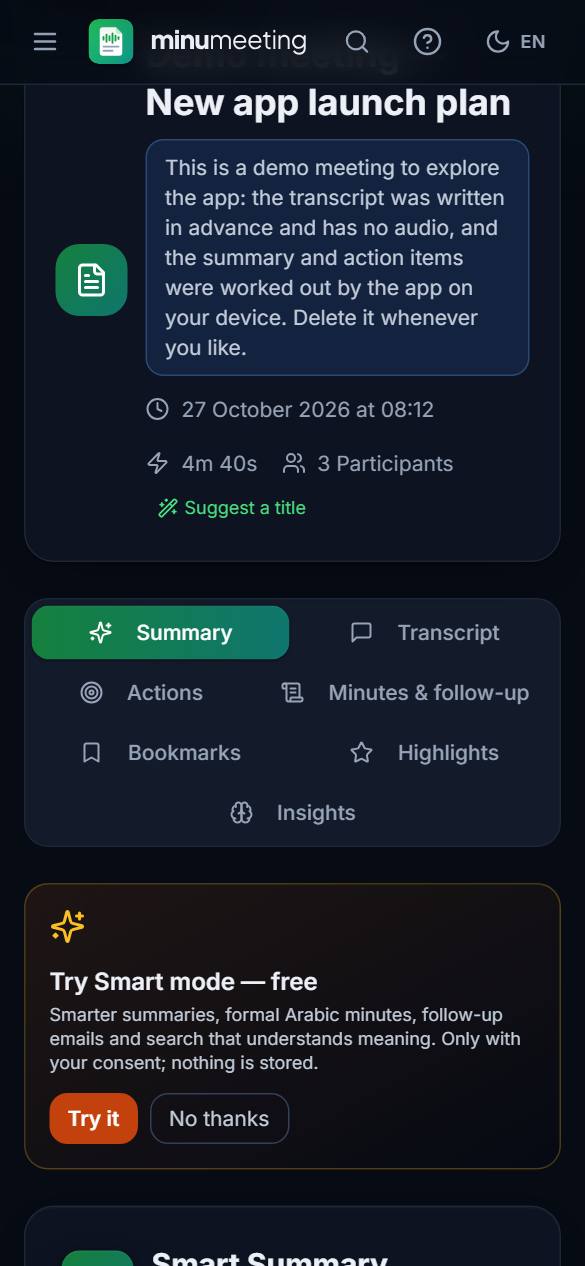
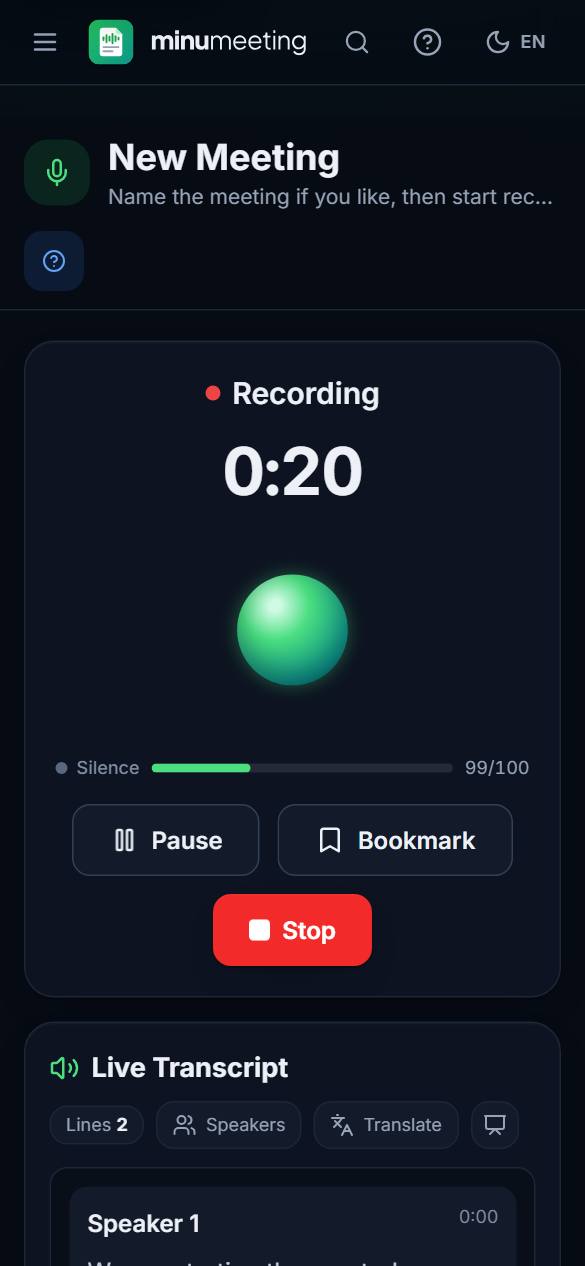
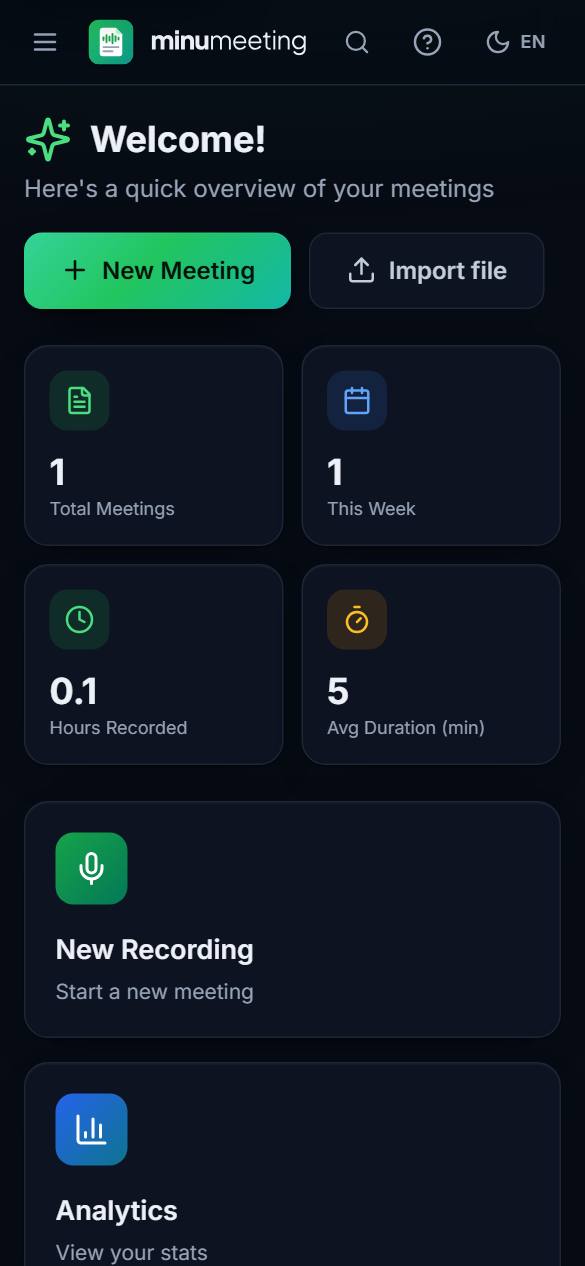
How it works
Record
Press Start. The app reminds you to get everyone’s consent, then records on your device.
Read along
The transcript is written while you talk. Mark important moments with a bookmark.
Get the minutes
Stop to get the summary, action items, decisions and, if you want, formal minutes to export.
Private by design
- Your recordings, transcripts and notes stay on your device. Transcription runs on the device after a one-time download of the engine, and then works offline.
- No account, no ads, no tracking.
- Cloud AI is optional and runs only after you agree on a clear consent screen. You can switch it off at any time.
Three ways to use AI
On this device only
Everything works offline; summaries and action items are taken from what was said.
Smart (Cloudflare)
Smarter summaries, formal minutes, follow-up emails and search by meaning, free within a daily allowance. Meeting text is processed and not stored.
My own key
Use OpenAI, Anthropic, Google Gemini, Groq or OpenRouter with your own API key, straight from your device.
Every AI result shows where it was made and has a Report button.
After the meeting
- Summaries: short, detailed or executive.
- Action items with owner and due date; decisions, risks and open questions.
- Formal meeting minutes with your organization’s letterhead, a follow-up email and the next meeting’s agenda.
- Ask your meetings: answers that point to the exact lines in your meetings.
- Search across all your meetings, translate transcripts and summaries, and jump from any line to its moment in the recording.
Record without worry
- Saves the recording in short pieces as you go, so an unexpected close does not lose your meeting — the app offers to recover it.
- Pause and resume, and bookmark important moments.
- In the Android and iOS apps, recording continues when the screen is off or you switch apps.
Export, import and backup
- Export to PDF, Word, Markdown, JSON or subtitles (SRT, VTT), and share through any app.
- Import an existing recording, or a transcript file (VTT, SRT, SBV, TXT).
- One backup file with all your meetings and audio, to keep safe or move to a new device.
Made for Arabic
- Arabic and English interface with a full right-to-left layout.
- Arabic dialect guidance for on-device transcription, and a glossary for your own names and terms.
- A notebook for text notes, voice notes and drawings.
Get minumeeting
- In your browser — nowOpen minumeeting.com in a recent browser. To keep it like an app, choose “Install” (or “Add to Home Screen”) from the browser menu.Open minumeeting
- AndroidComing soon
- iPhone and iPadComing soon